
Product launch today
The product photo is ready, but the storefront hero, detail-page first screen, and social cover are still missing.
Generate 1:1, 3:4, and 9:16 versions first, with title and price zones left editable.
When all you have is a product photo, a price, and one selling point, make a first pack that is close enough to publish. Start with social covers, ecommerce hero images, and detail-page visuals, then keep refining the strongest one.
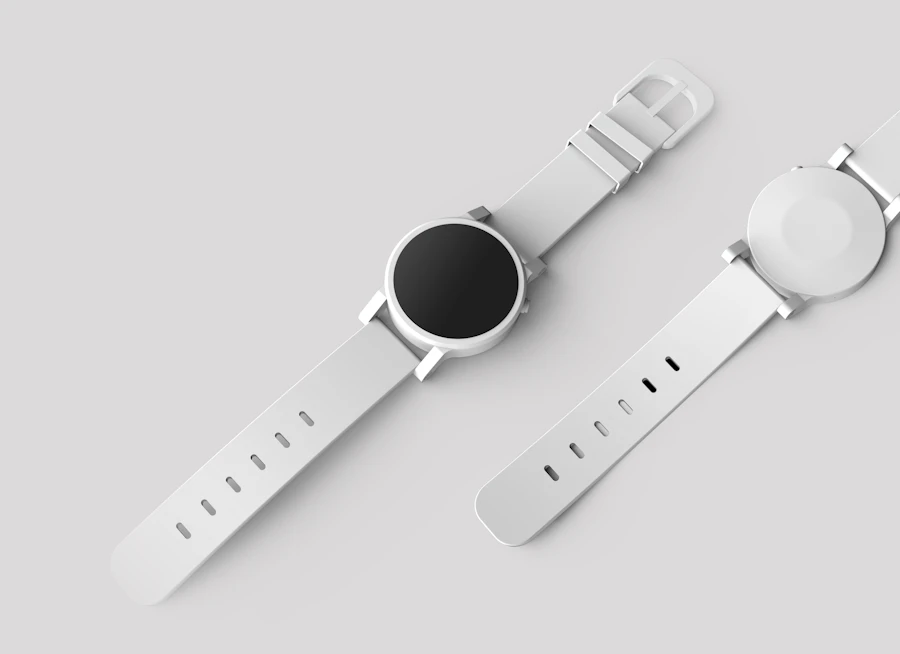
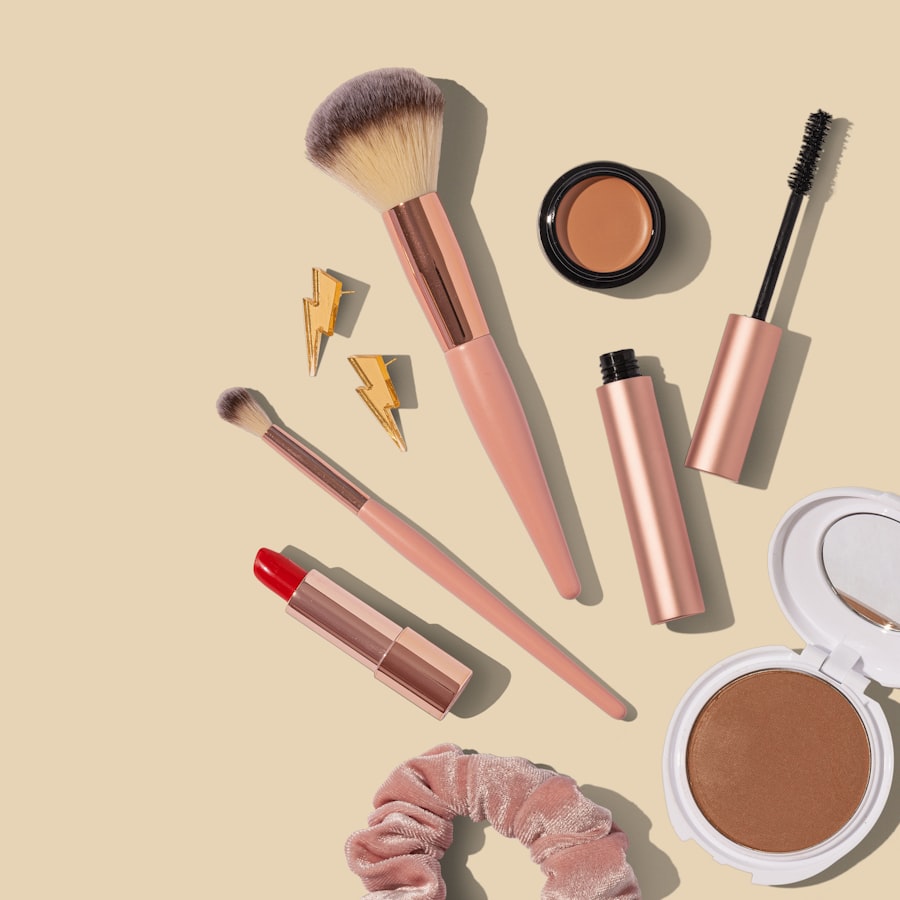
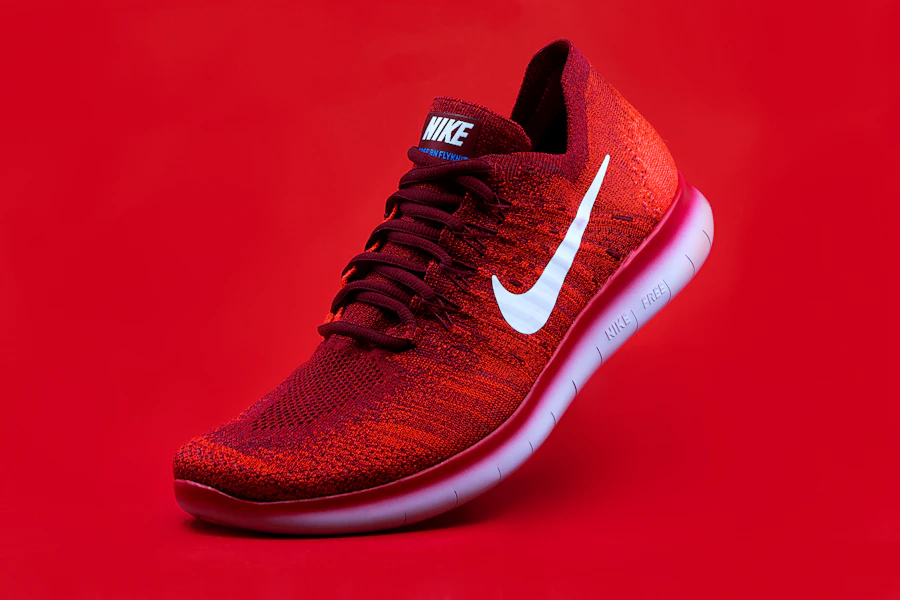
Every entry maps to a real job: launch a product, fix a cover, fill a detail page, or adapt the same product for overseas channels.
The product photo is ready, but the storefront hero, detail-page first screen, and social cover are still missing.
Generate 1:1, 3:4, and 9:16 versions first, with title and price zones left editable.
Live, short-video, and post covers often need a quick angle change, not a full redesign.
Continue from history to change the background, composition, or platform ratio.
The same product needs Instagram, X, storefront, and local platform assets without rewriting every brief.
Choose platform formats first, then split one product source into several images.
Vokross treats the reference image as the product source, sets the ratio and text-safe areas before generation, and lets you continue from history.
Clean commuter bottle campaign, keep the price area empty for editable text.
When a result is close, ask for a new background, another ratio, or a moved title zone.
Anchor the packaging, material, color, and shape.
Split social, ecommerce, and detail-page formats by job.
For example: commute, gift box, summer launch, live deal.
Pick a result and keep changing background, ratio, or copy zone.
Vokross is an AI image generator for creators and ecommerce teams. It covers AI product image generator, ecommerce image generator, YouTube thumbnail AI generator, TikTok cover image generator, and social media image pack generator workflows in one workspace.
Use a reference photo to preserve product shape while generating store heroes, detail-page visuals, and launch assets.
Create multi-ratio product and campaign images for Shopify, storefronts, marketplaces, and local ecommerce.
Split one idea into Instagram, TikTok, X, YouTube thumbnail, and short-video cover directions.
AI image generation uses credits based on model and quality. Review Vokross pricing, then open the workbench to generate images or reuse assets from history.
These are not generic showcases. They are the image types operators ask for every week.
 3:4
3:4For product launches, list posts, and creator covers with a clean title area.
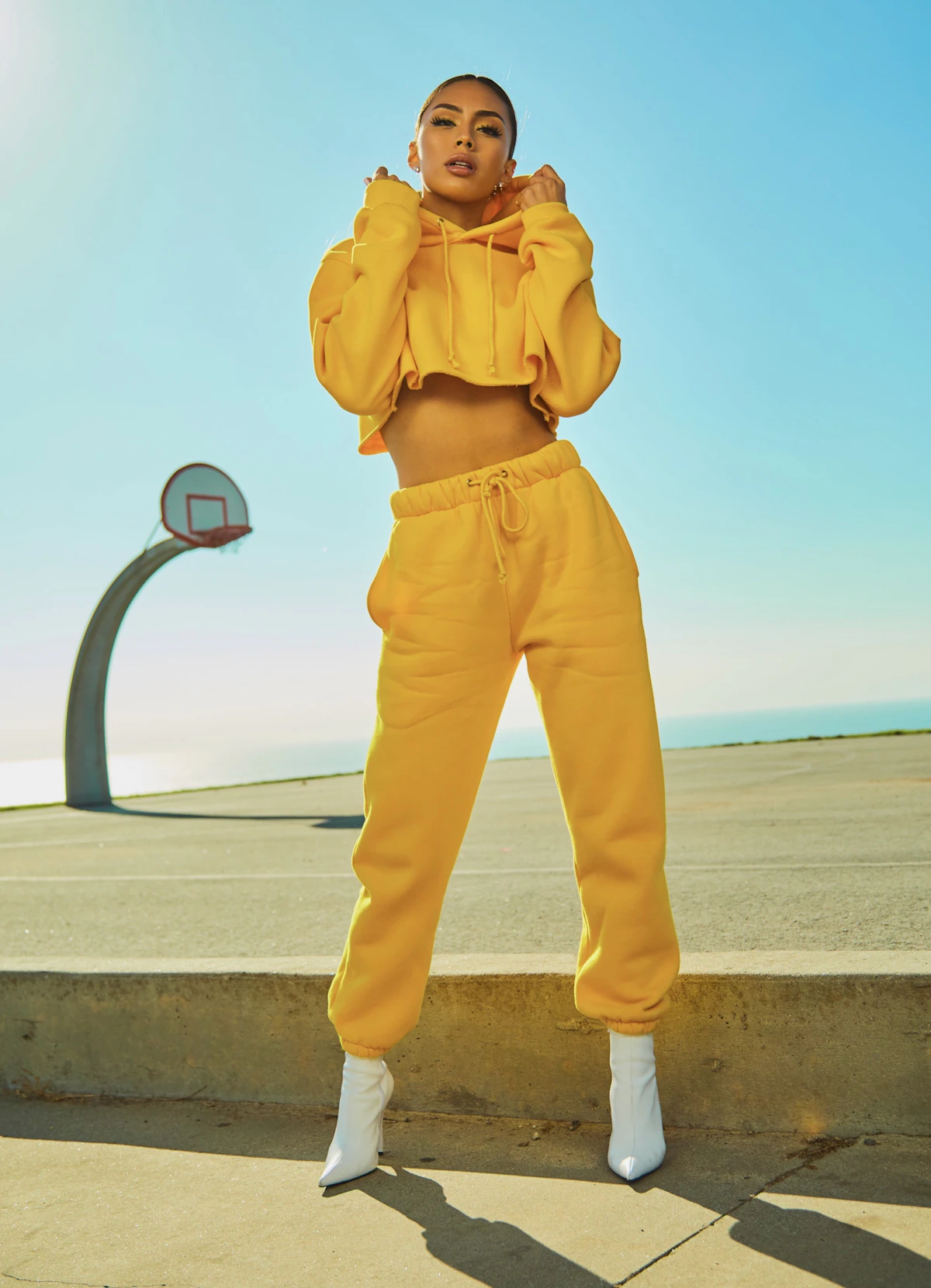 9:16
9:16For short-video covers and live previews, with a bigger product and fewer copy zones.
 1:1
1:1For marketplace and storefront listings where the product must stay clear.
 9:16
9:16For benefit-led first screens, campaign pages, and landing page headers.
 1:1
1:1For overseas launches and brand posts, with less hard selling and more context.
 16:9
16:9For product updates, launches, and horizontal visuals at the top of a thread.
Keep the product grounded, reserve editable copy zones, and choose the platform format before the model starts.
Ecommerce images use the reference first to preserve packaging, logo, color, and material.
Title, price, selling points, and CTA areas stay clean for later editing.
Choose one existing image and continue the same visual thread.
These examples reflect the publishing and content-ops workflows the workbench is designed to support.
“We usually start with a half-finished product page and one usable photo. This gets us to a first visual direction before the meeting ends.”
“The useful part is not the template name. It is being able to keep the same product and quickly try a cleaner cover or another ratio.”
“When one result is close, we can keep working from it instead of throwing it away and guessing a new prompt.”
The image page is optimized for product/source images, platform packs, reference-driven generation, and lightweight continued editing.
No. Upload or select a source image, choose an output pack, and add one short request. Vokross puts product preservation, platform ratio, and text-safe composition into the generated prompts.
Ecommerce images should not invent a fake product. The first version uses the uploaded image, selected history result, or selected template as the source of truth for the product shape, packaging, color, logo, and material.
The generated visual reserves clean areas for title, price, selling points, and CTA overlays. This avoids broken AI text and keeps copy easier to edit after generation.
Yes. The first version includes official templates for general, ecommerce, outfit, try-on, 3D, weather, and city scenarios, with public community templates still available as a secondary path.
If you already know the content angle you want to publish, structured input is faster. If you want a strong starting direction first, choose a scene template and then refine it with your content details.
Yes. You can continue editing from the latest result, pick a previous result from history, or reuse a template direction to keep iterating on the same visual thread instead of starting over.
GPT Image 2 is the default image model for the workbench. Other supported image models remain available in advanced settings.